How to force an app to use the discrete GPU in Windows 11
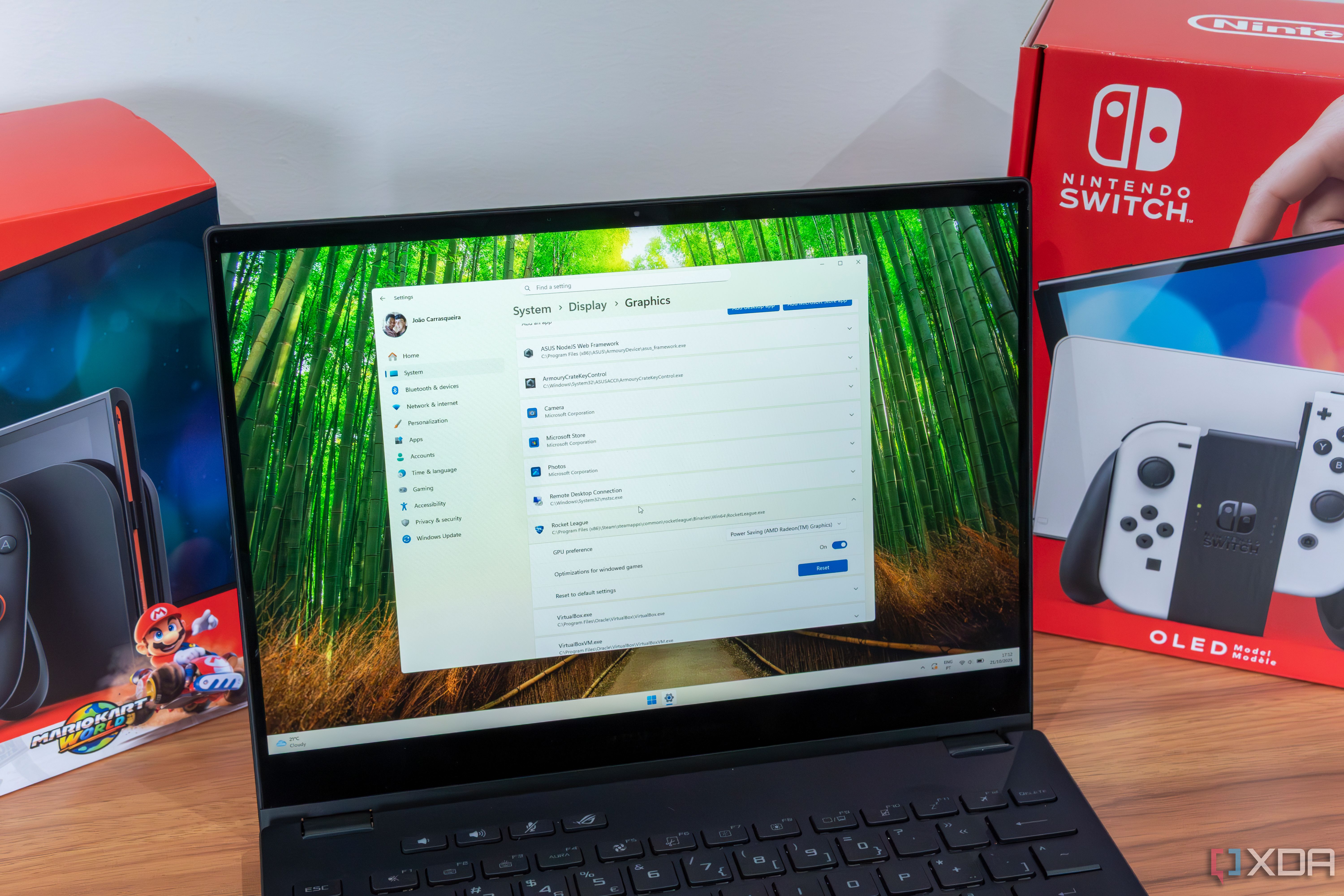
I've seen this happen more than once: a laptop with a beefy RTX 40-series GPU chugs through a game or renders video like it's running on a toaster. The culprit is almost always Windows happily defaulting to the integrated graphics. Laptops from best gaming and creator models pack both an iGPU and a discrete GPU, but Windows doesn't always know which one your app actually needs. I fixed this by forcing Windows 11 to use the dedicated GPU for specific apps, and it takes about two minutes to set up.