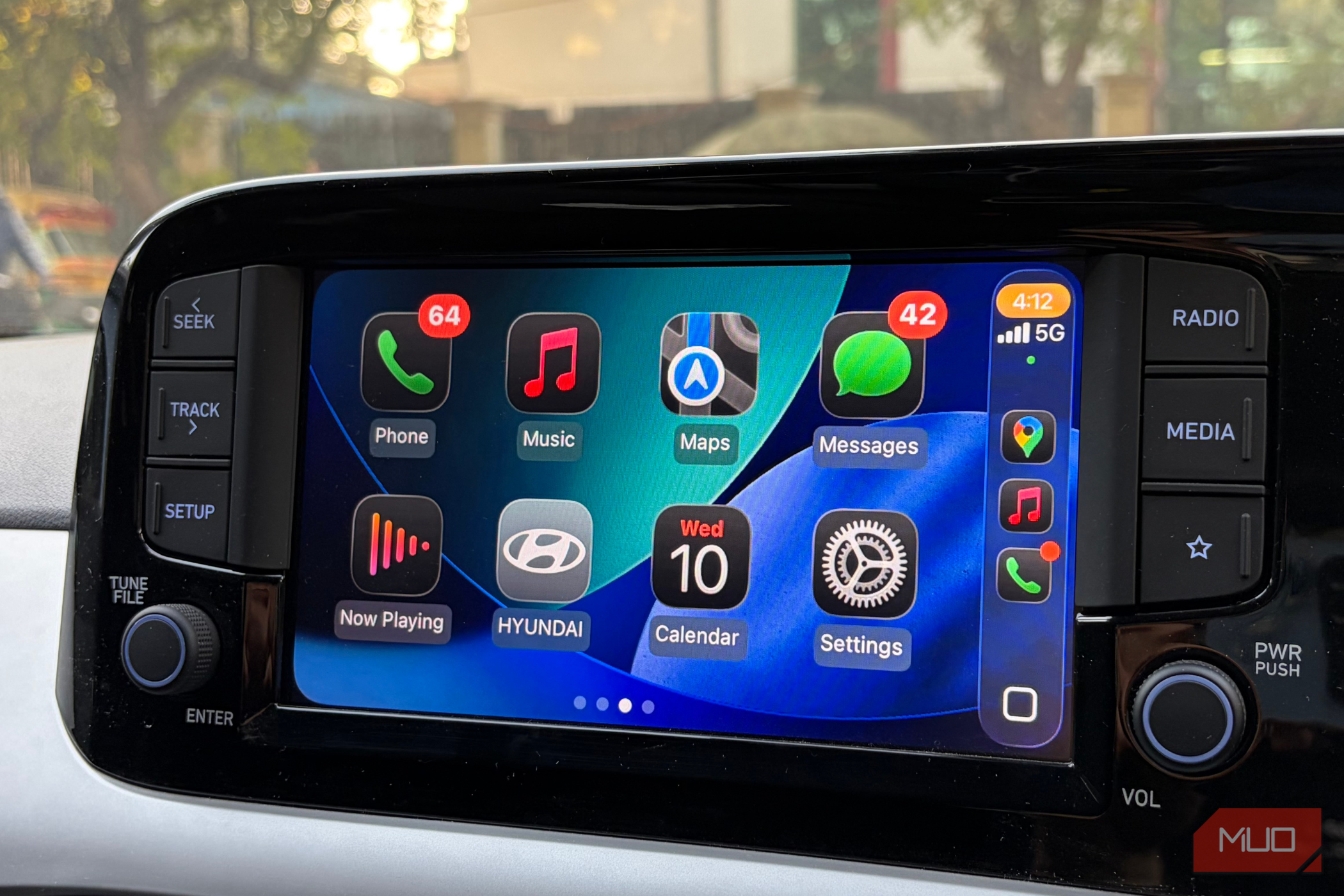
Android Auto wins on customization, but CarPlay wins where it matters to me
The Android vs. iPhone debate probably won’t end anytime soon, and interestingly, that rivalry follows you into your car, too. People have equally strong opinions about Android Auto and Apple CarPlay, and after spending a good amount of time using both in my own car, I get why.

5 Netflix crime thrillers that get to the point in under 2 hours
Some crime thrillers spend ages setting up the story, introducing unnecessary side characters, and adding subplots that don't do much. By the time something interesting happens, you've already checked your phone six times and wondered how much longer you have to sit through the torture. Fortunately, not every crime thriller needs two and a half hours to tell a good story.
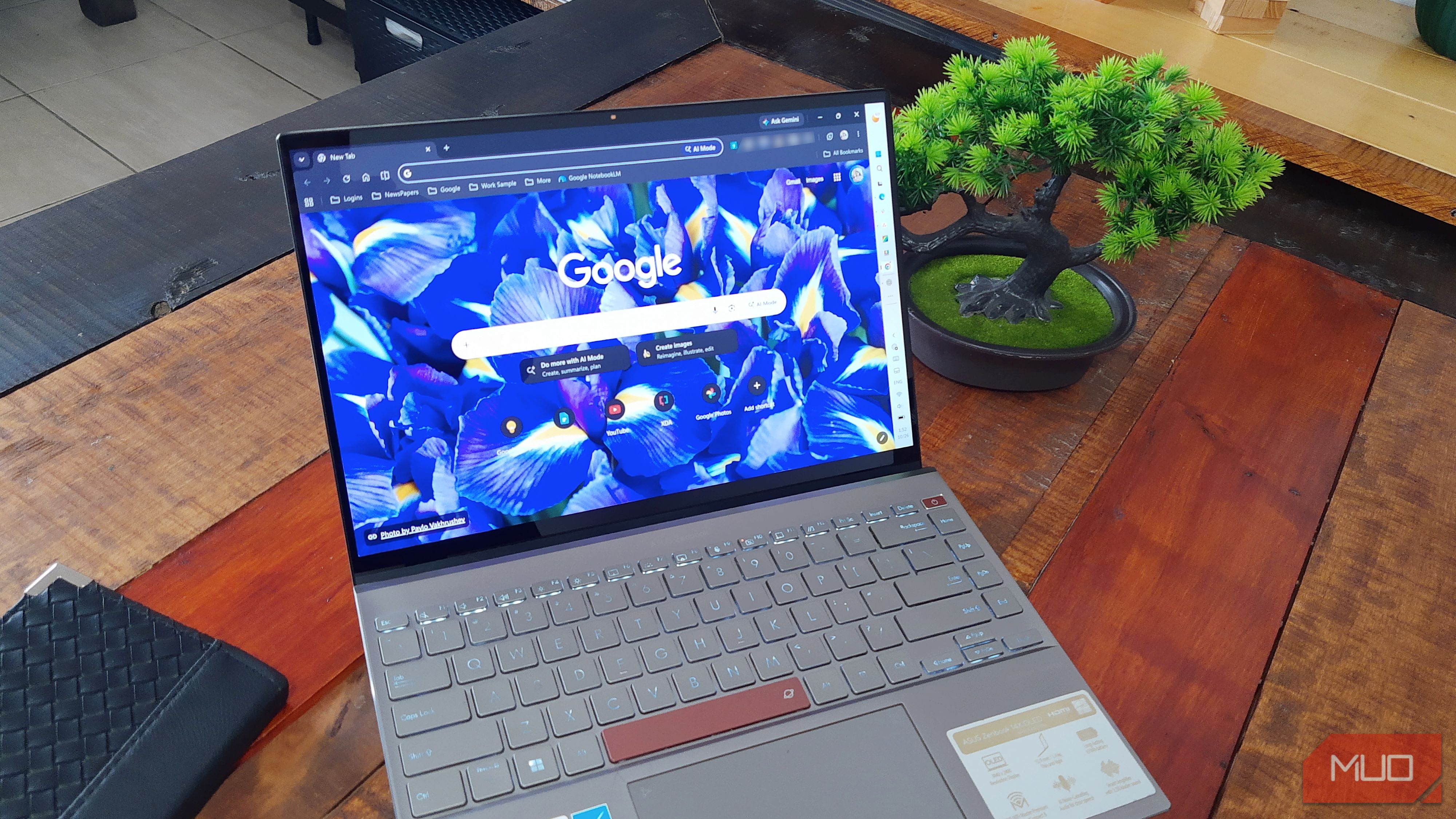
Chrome now has features that could replace apps on your PC
Say you only need to highlight a few lines in a PDF for a meeting. You might be inclined to open a PDF editor without thinking much about it. And why wouldn’t you? That's what those apps are for. But Chrome can do that job too, and much more.
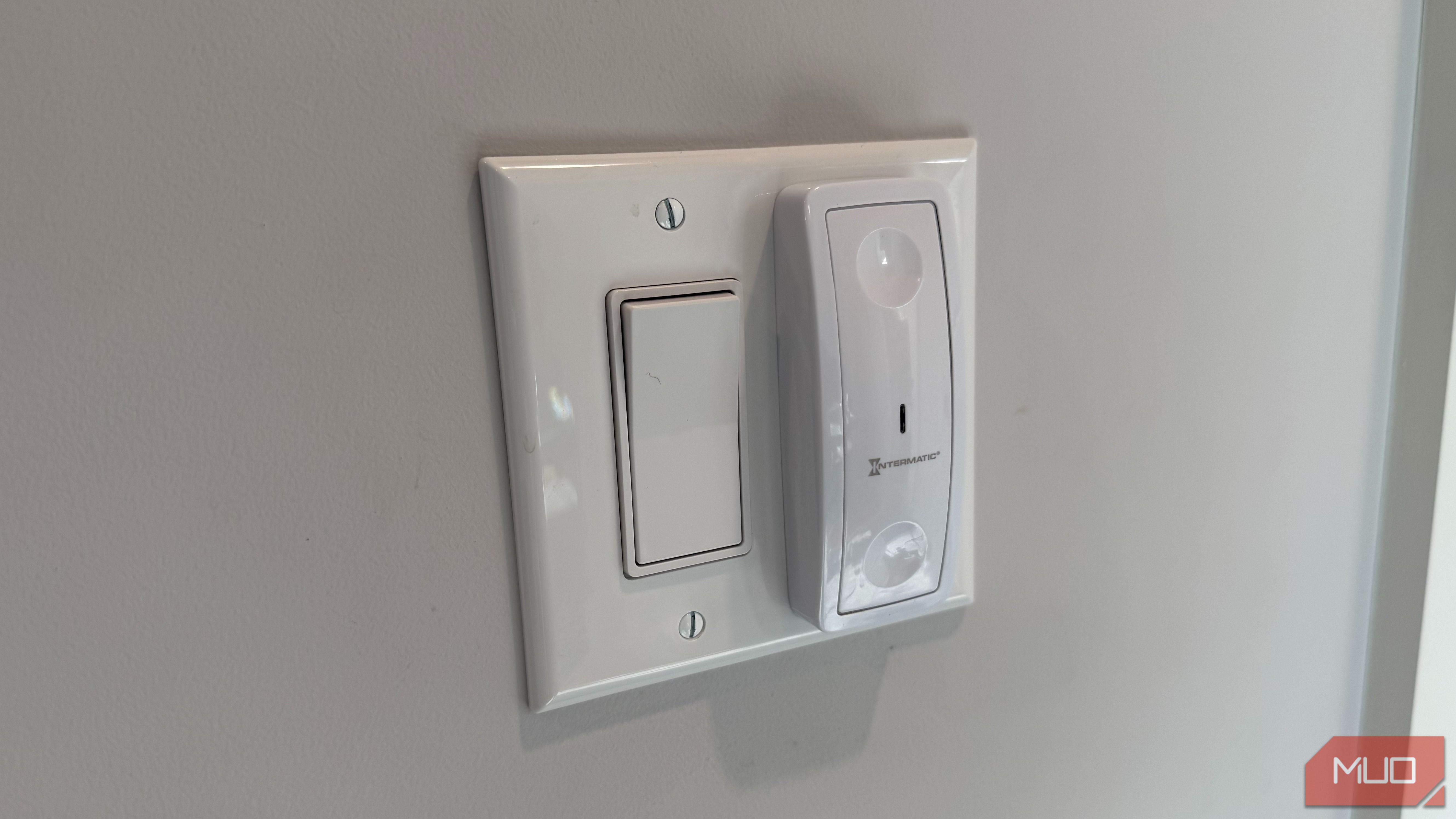
Millions of light switches in American homes can’t go smart, and the reason is hiding behind the plate
Smart bulbs are the quick and easy way to bring wirelessly controlled lighting to your home, even if you live in an older house, condo, or apartment. They require constant power and a steady Wi-Fi connection, and flipping the physical switch that controls your light socket temporarily breaks the setup. That's why smart home builders often turn to smart switches instead. Smart switches connect to your smart home through the wiring in your wall, and work with any type of bulb — including incandescent, LED, or halogen bulbs.
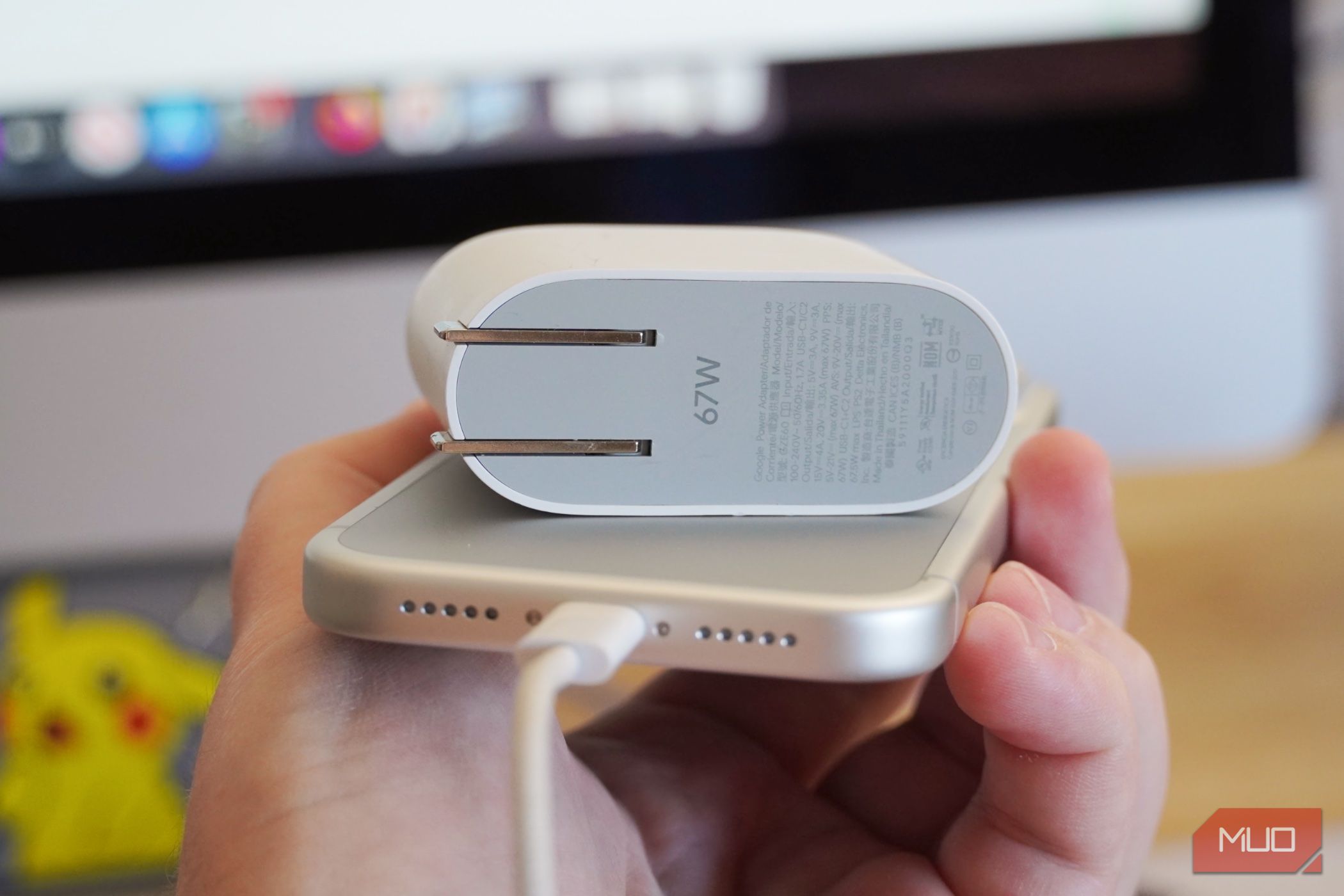
You only need one fast charger for your iPhone, Samsung, and Pixel, but it needs this feature
I've completely switched over to USB-C gadgets, and that means the same charger can power everything from my camera and smartphones to my over-ear headphones and laptops. It's the universal charging experience I always wanted, with a caveat. Each device has unique requirements that must be met by a USB-C cable and power adapter in order to charge at their fastest speeds. Apple, Samsung, and Google all tout fast wired charging speeds, but you won't see them using any old charger.
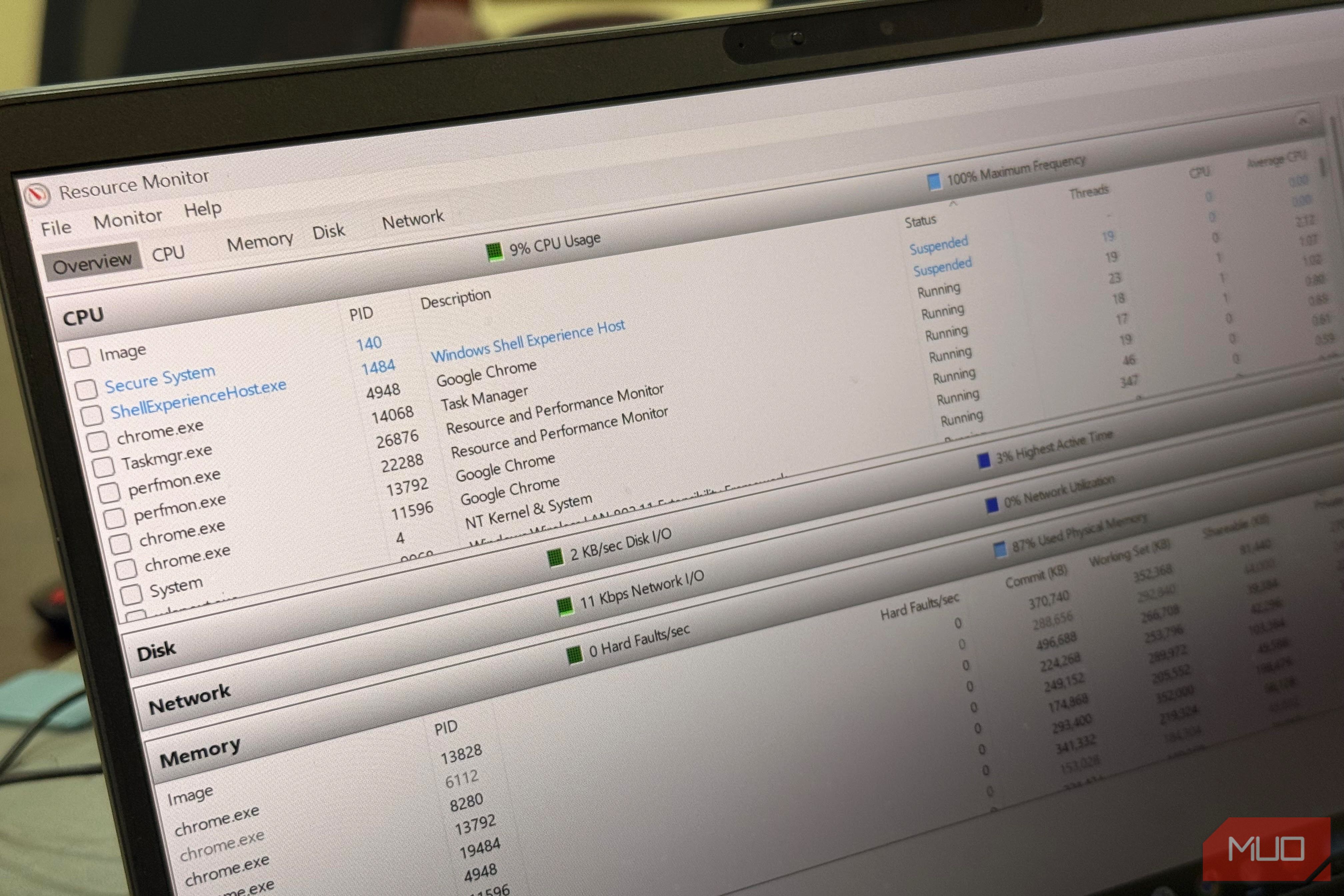
Task Manager told me my PC was slow, but Resource Monitor told me why
There's often this big, scary percentage on Task Manager whenever my PC is slow. The problem is that this usually leaves me guessing what the real cause may be. Do I restart, reinstall, or blame my antivirus? I’ve lived with this confusion for years, so I started opening Resource Monitor.
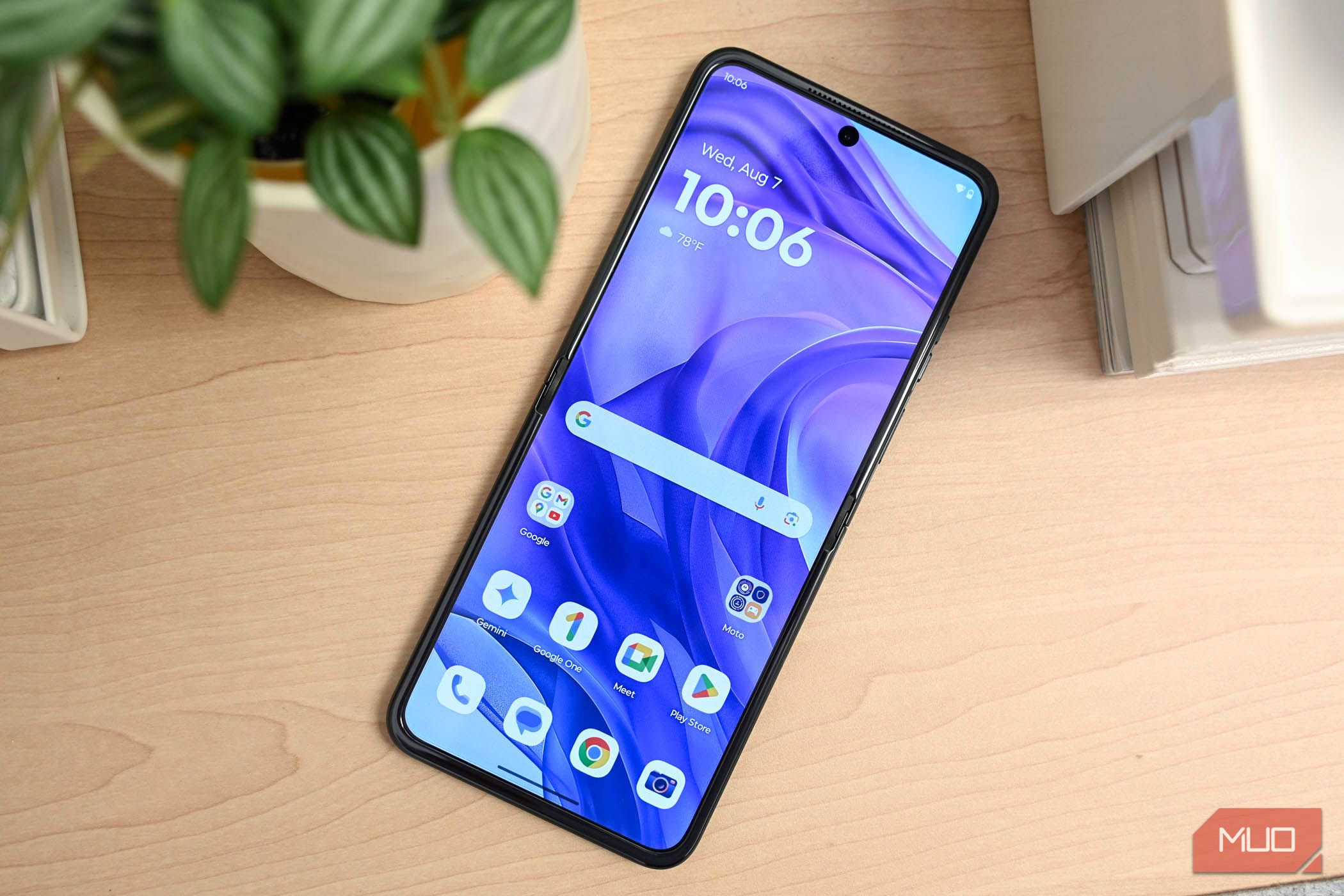
I gave my Motorola phone a speed boost by removing these preinstalled apps
I love Motorola phones mainly for their near-stock Android experience, but they do have a bloatware problem. Beyond the usual Google apps, you get close to a dozen Motorola apps preinstalled, and not all of them are actually useful. I went through all of them recently on my Moto G84, uninstalling everything I didn’t need, and my phone has felt noticeably snappier since.
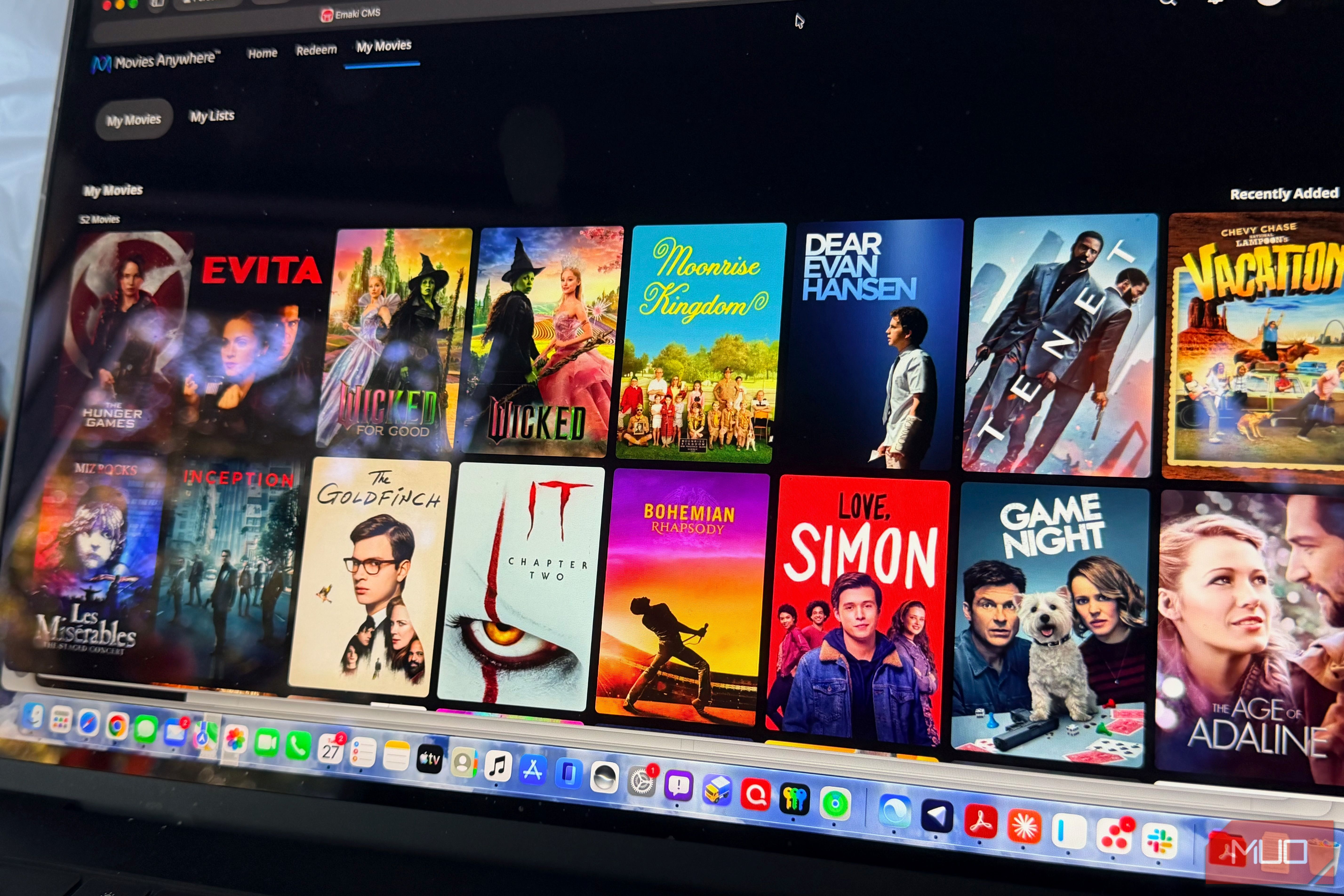
Disney's Movies Anywhere finally solved my biggest problem with buying movies online
I’ve been buying movies digitally for a long time. Some of my oldest purchases go back more than 15 years to Vudu, back when it was still called Vudu. Since then, I’ve bought just over 100 movies on Apple, about 30 on the ever-practical Amazon Prime Video, and two on Google Play, which now lives inside YouTube.
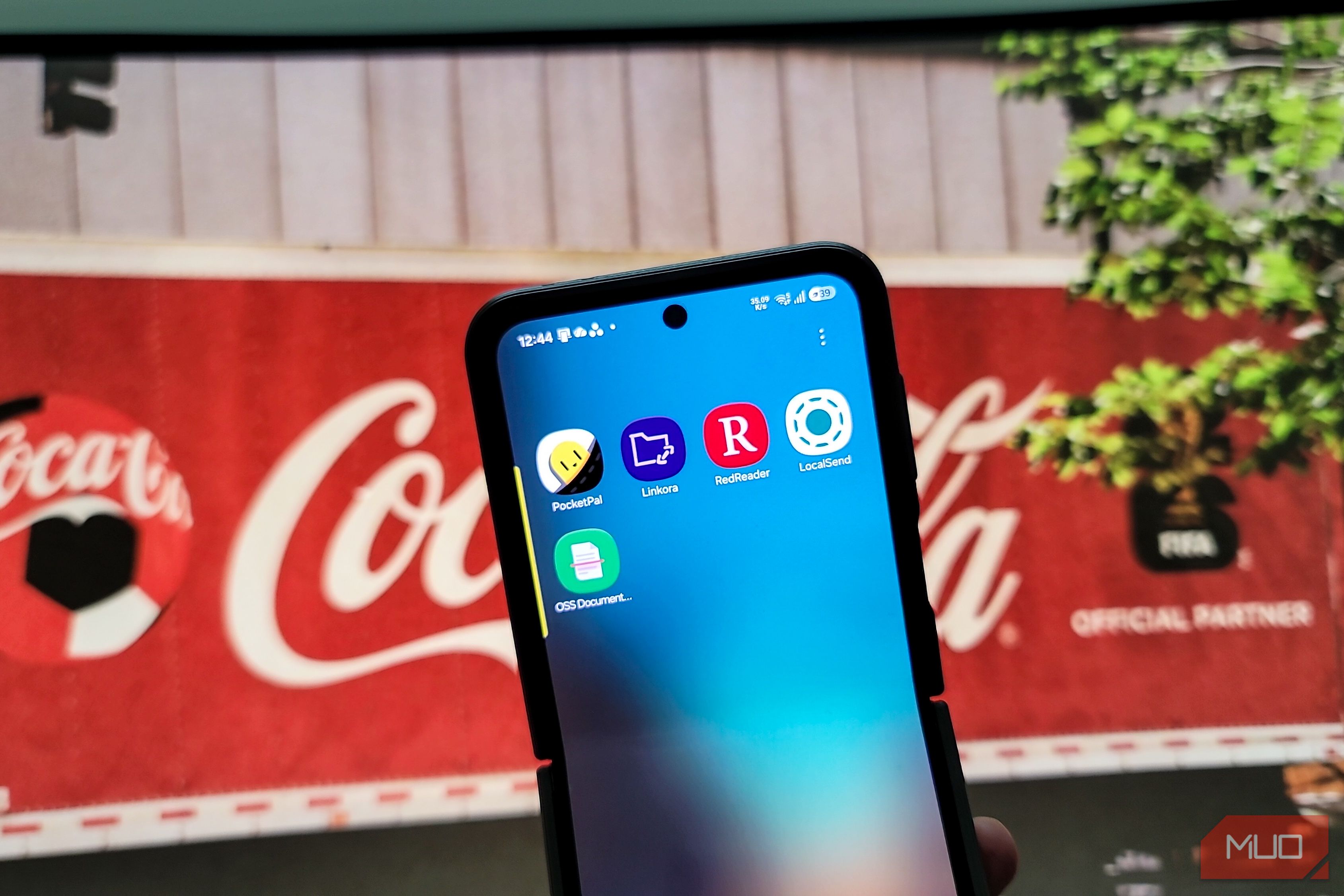
These open-source Android apps are better than their big-name rivals in ways I didn't expect
Replacing a mainstream app is not always easy. Popular apps are likely to receive frequent updates and feel a lot more polished than their not-so-popular rivals, even if they cost a fortune. But how many subscriptions can you survive? Not many, and with that thought, I've been trying more and more open-source apps with an aim to cut down on my subscriptions.
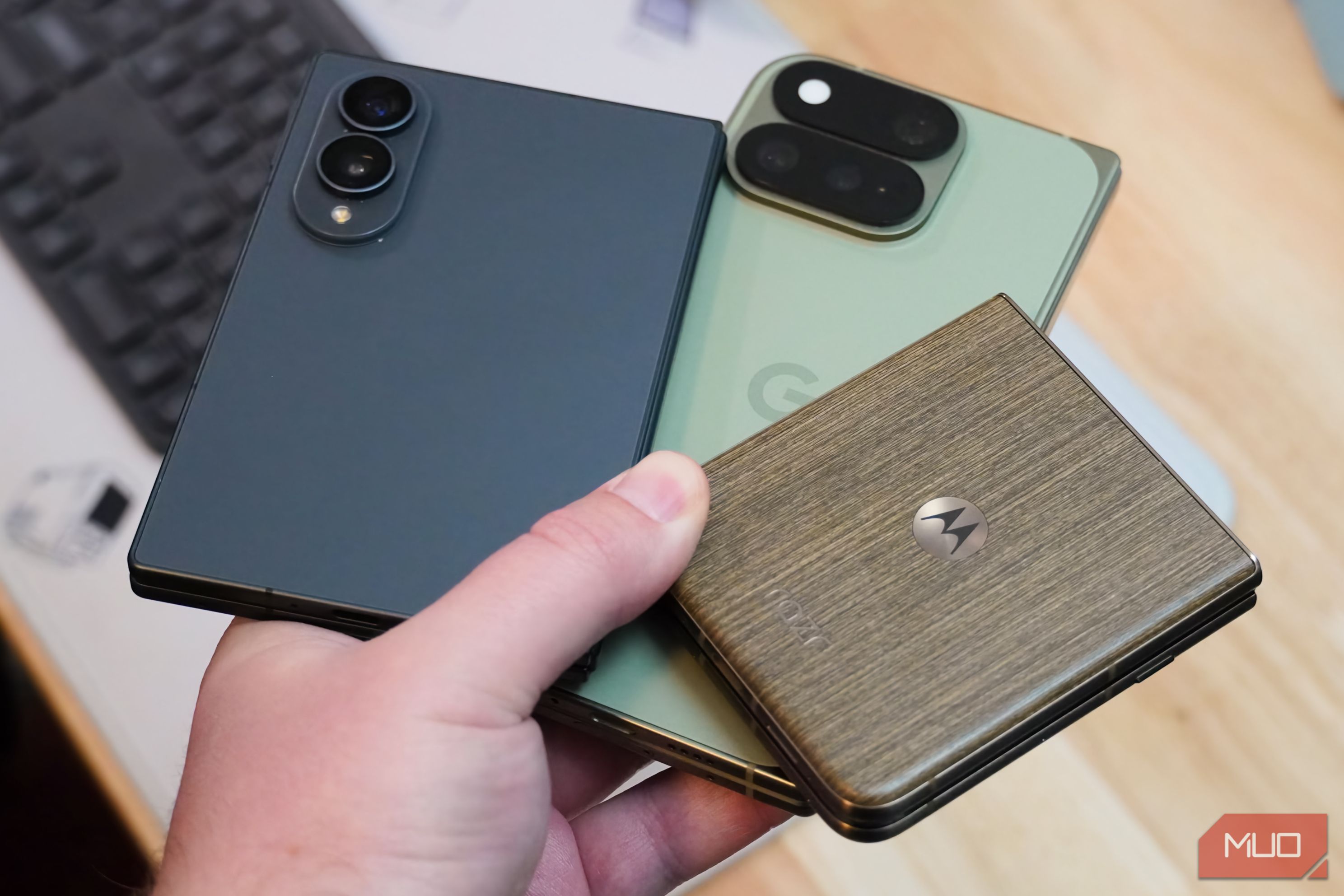
I tried Android 17 on Samsung, Google, and Motorola phones, and only one skin stuck with me
Android 17 comes in many flavors. That's the unique part about Android — every brand gets to put a unique spin on the base Android 17 operating system. Samsung Galaxy users get the experience of running Android 17 as part of One UI 9, while Google Pixel owners get the Material 3 Expressive look of Pixel UI.

I Wrote a Claude Code SEO Skill, and Testing It Found Two Bugs on Day One
Claude Code skills are just folders. A SKILL.md with a name and a description, plus whatever scripts you want the model to run. When the description matches what you asked for, Claude loads the instructions and follows them. That's the whole mechanism, and it's why SEO is a good fit: most on-page checks are deterministic, and a model is much better at explaining a result than at counting characters in a <title> tag.
So I wrote one. It checks a single URL for the on-page basics and hands Claude a JSON report to turn into a fix list. Then I ran it against five real pages and one fake one before trusting it. It broke twice, on pages I'd have assumed were safe.
The layout
.claude/skills/seo-page-check/
├── SKILL.md
└── scripts/
    └── check_page.py
Project-level skills live in .claude/skills/ inside the repo; personal ones go in ~/.claude/skills/. Claude Code reads the frontmatter of every skill at startup and only pulls in the body when the description matches the task, so a skill you're not using costs almost nothing.
SKILL.md
name: seo-page-check
description: Check one URL for on-page SEO problems (title, meta description, canonical, robots/noindex, H1, JSON-LD, image alt text) and return a prioritized fix list. Use when the user asks to audit, check, or review the SEO of a specific page or URL.

# SEO page check

1. Run the checker on the URL the user gave:
   `python3 .claude/skills/seo-page-check/scripts/check_page.py <url>`
2. Read the JSON it prints. Do not re-fetch the page yourself unless the script failed.
3. Report in this order, and skip any section with nothing in it:
   - **Blockers**: anything in `blockers` (noindex, non-200 status, canonical pointing to another host).
   - **Fix next**: items in `warnings`, one line each, with the current value quoted.
   - **Fine**: one line listing what passed.
4. For each title or description warning, suggest one rewrite that keeps the page's main keyword. Do not invent keywords that are not on the page.
5. Never claim a ranking impact. Say what is wrong and what to change.
Two choices in there are deliberate.
The description lists the actual checks. Claude decides whether to load a skill from the description alone, so "SEO helper" would be a bad one. It's vague, and it would match half of what you type in a marketing repo. Naming the checks and the trigger ("a specific page or URL") keeps it from firing when you ask for keyword ideas.
Rule 5 is there because models love writing "this will improve your rankings." Nobody knows that from a page check, so the skill forbids it.
The script
Standard library only, so it runs anywhere Claude Code does without a pip install:
#!/usr/bin/env python3
"""Fetch one URL and report on-page SEO issues as JSON. Standard library only."""
import json, sys, urllib.error, urllib.request
from html.parser import HTMLParser
from urllib.parse import urlparse

class Page(HTMLParser):
    def __init__(self):
        super().__init__()
        self.title, self.in_title, self.in_h1 = "", False, False
        self.meta, self.canonical, self.h1s, self.jsonld = {}, None, [], 0
        self.imgs, self.imgs_no_alt, self.title_done = 0, 0, False
    def handle_starttag(self, tag, attrs):
        a = dict(attrs)
        if tag == "title" and not self.title_done: self.in_title = True  # skip SVG <title>s
        elif tag == "meta" and a.get("name"):
            self.meta[a["name"].lower()] = a.get("
3D-printed ghost guns may now have a way to be traced to their source
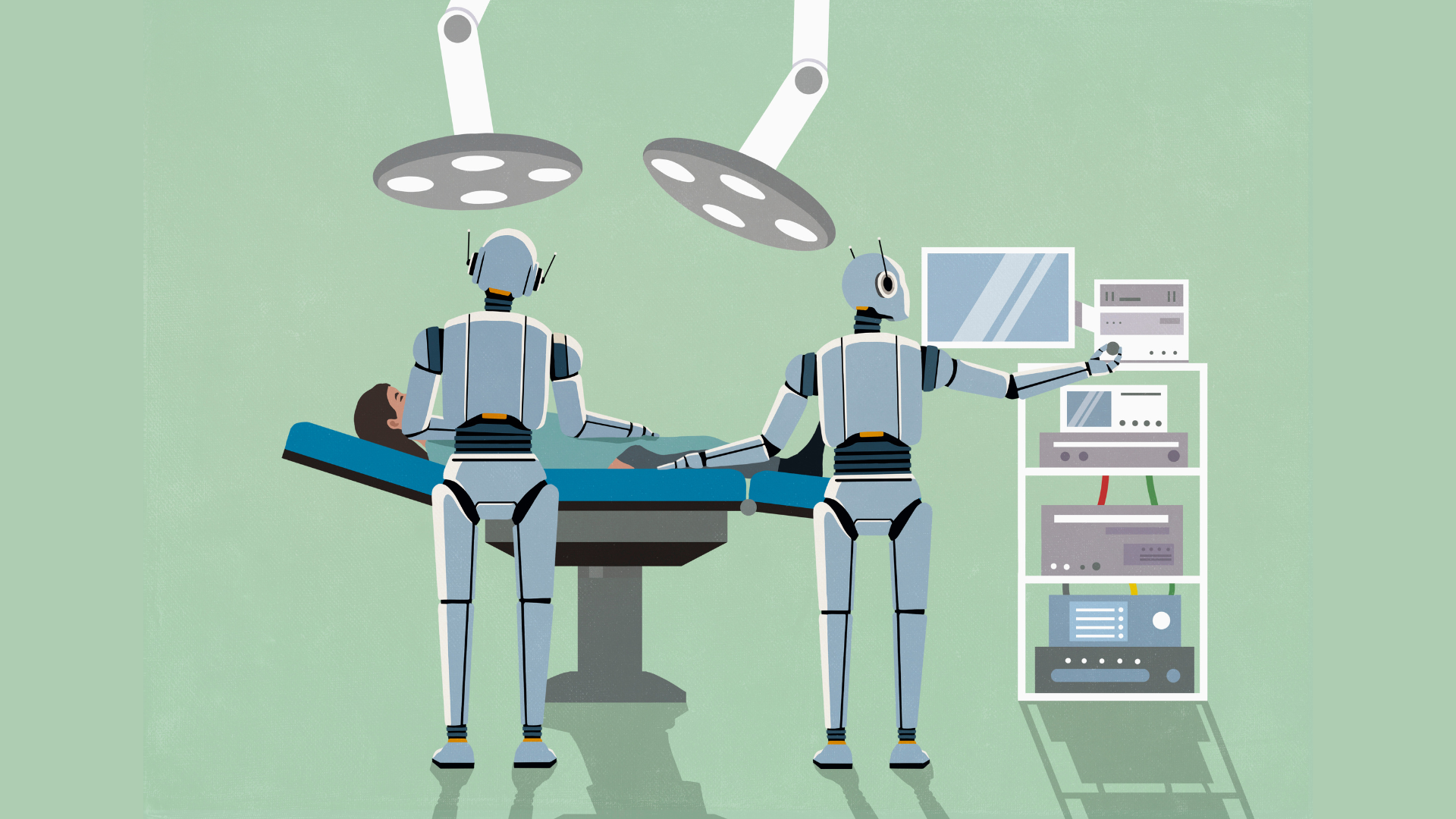
AI agent used to perform controversial brain surgery on a mouse, Anthropic Sonnet controlled motorized surgery rig
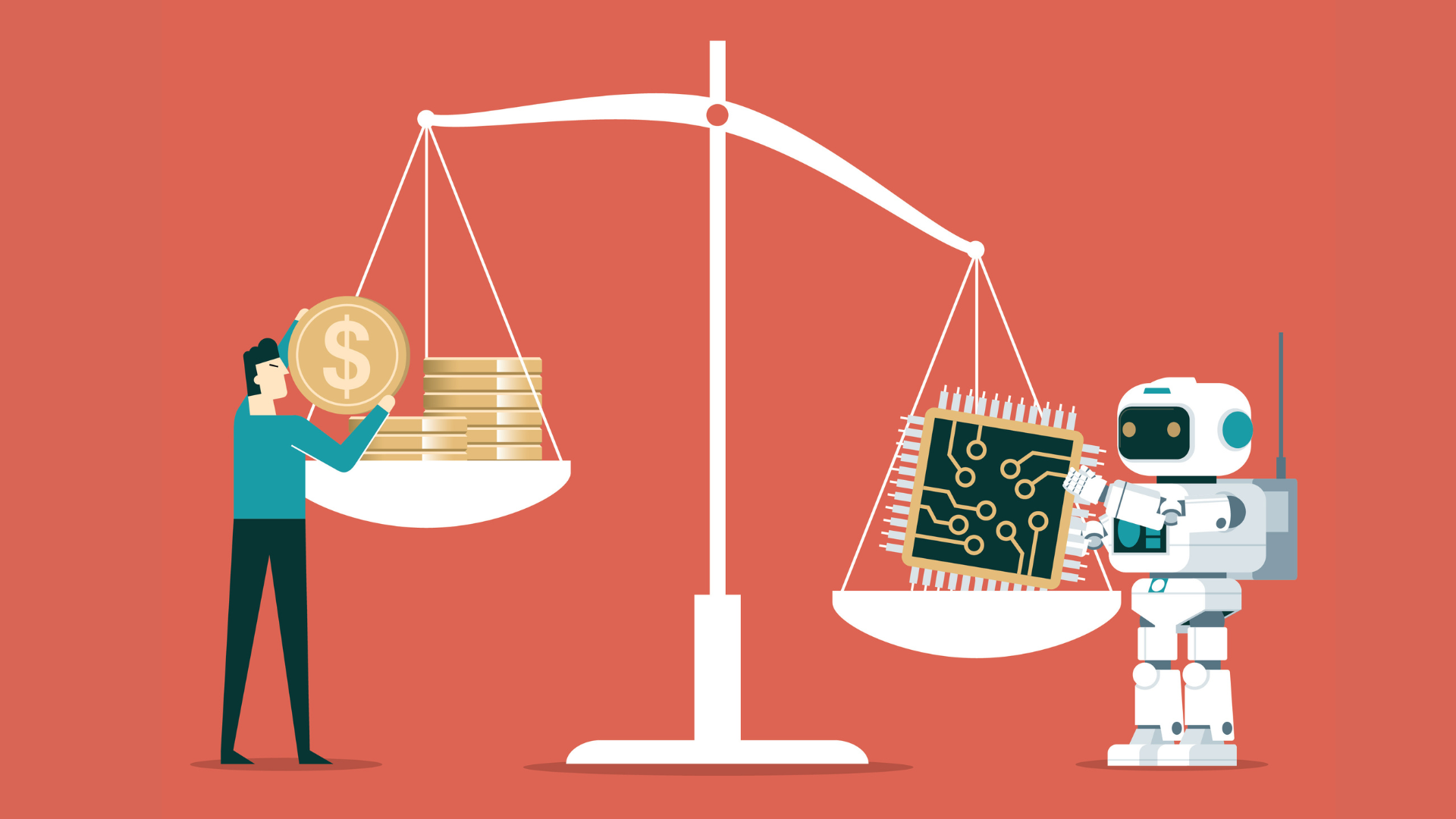
Firm that lets you rent out your idle Mac for AI inference workloads warns of plummeting token costs
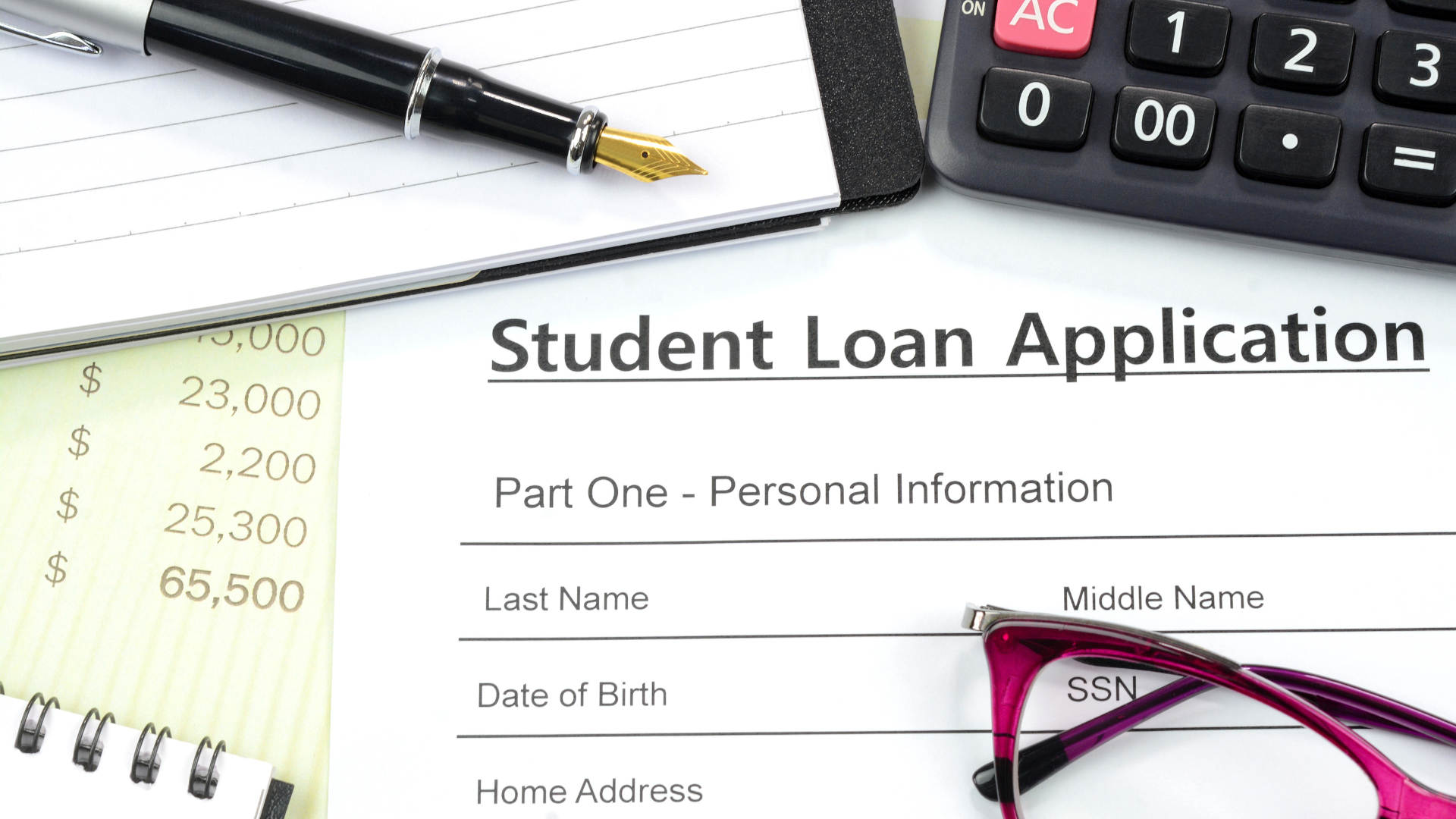
'Ghost Students' using AI to apply for student loans with stolen identities, DOJ's Operation Ghostbusters busts $200 million ring
Anthropic hiring manager says he stopped giving coding interviews because Claude is better at them — and tells junior engineers that 'hunger beats tenure'
[宽带症候群] 使用移动 APP 办宽带的方法,不使用电话咨询的方式
1 ,打开移动 APP 的资费专区,有两个部分全国资费和省级资费
2 ,全国资费的套餐非常少,大概是 20 个左右,省级资费非常多,大概是 60 个
3 ,办宽带的收费套餐也在这 80 个项目里面,需要一个个地找
4 ,使用价格筛选排除一部分的选项,比如两个选项 10 以下和 10-50
5 ,我找到的湖北最便宜的宽带的方法是,湖北资费自定义范围 38 元-38 元,有四个选项
6 ,其中的湖北家庭融合保底 38 元( 300M 宽带)「 2025 」,方案编号 25HB200299 ,38 元/月,适用范围:湖北移动主资费 18 元及以上办理,适用地区:湖北,销售渠道:线下及线上渠道,下线日期:2030 年 12 月 31 日,在网要求:24 个月:这个比较坑,另有两年合约期,违反需缴纳 280 元
7 ,这个办宽带的方式除了在网要求 24 个月,其他的还好
8 ,或者全家享 79 元套餐( 300M 宽带):24HB200099 ,使用自定义范围 79-79 筛选
9 ,具体来说就是屎里淘金,需要什么套餐项目就发下方案编号,这个方案编号是唯一的
10 ,价格比不上地区的活动的优惠,主要是我也没有什么人脉,也不想到店的咨询,所以这是主动找信息的一种方式,比 APP 上的推送的广告的要全面些
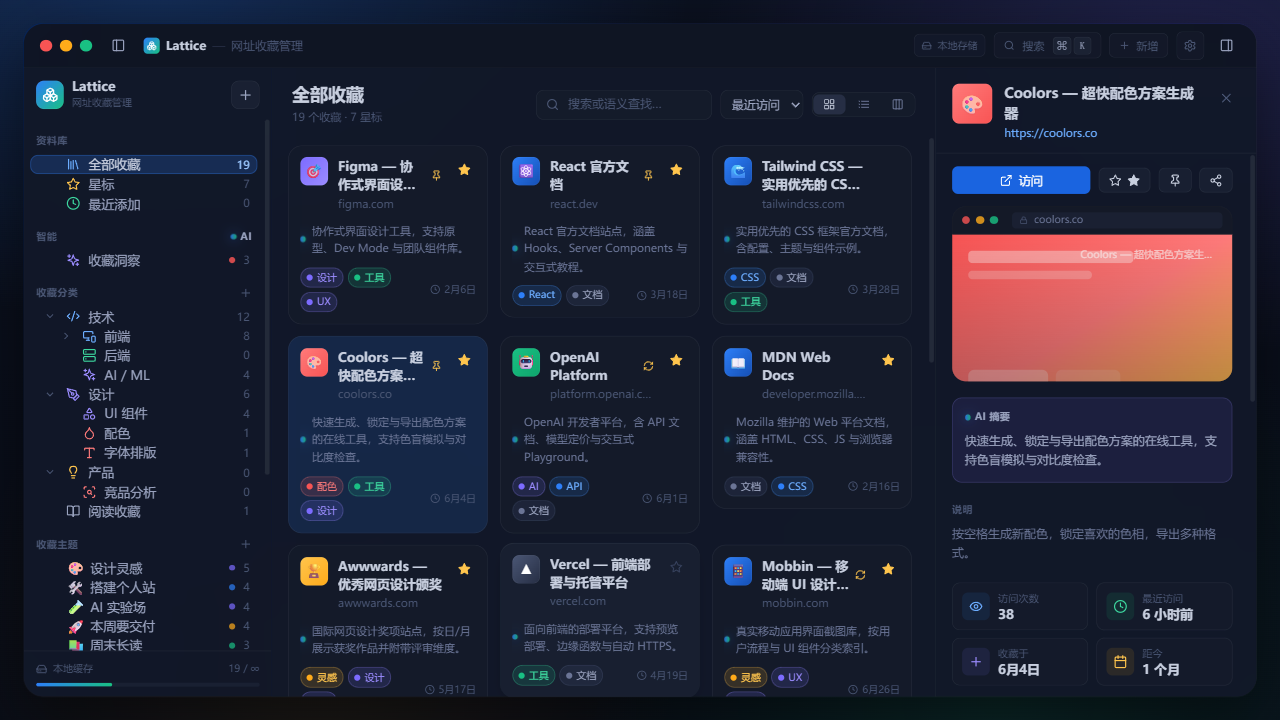
[推广] [免费自荐] Linkit:本地优先的 AI 书签管理器,自动摘要 + 语义搜索 #24
分享一个桌面端的书签管理应用 Linkit ,完全免费,MIT 协议。
要解决的痛点
浏览器书签就是个 URL 列表。存了两千条毫无压力,找回其中一条才是问题。我自己的收藏库 2000+ 条,真正再看的大概 5 条。
商业书签服务普遍按月订阅,不付费就把搜索、标签、设备数都锁住。你的阅读习惯托管在别人商业云上,还得担心服务倒闭和隐私泄露。
Linkit 做了什么
- AI 自动摘要与要点提炼:每条收藏保存时抓取正文,生成摘要并拆成几条要点。读摘要就行,不用点开十几个标签页
- 全库语义搜索:按含义检索,不是按关键词。"怎么把大文件传输变快"能搜到标题里写"传输优化"的那条
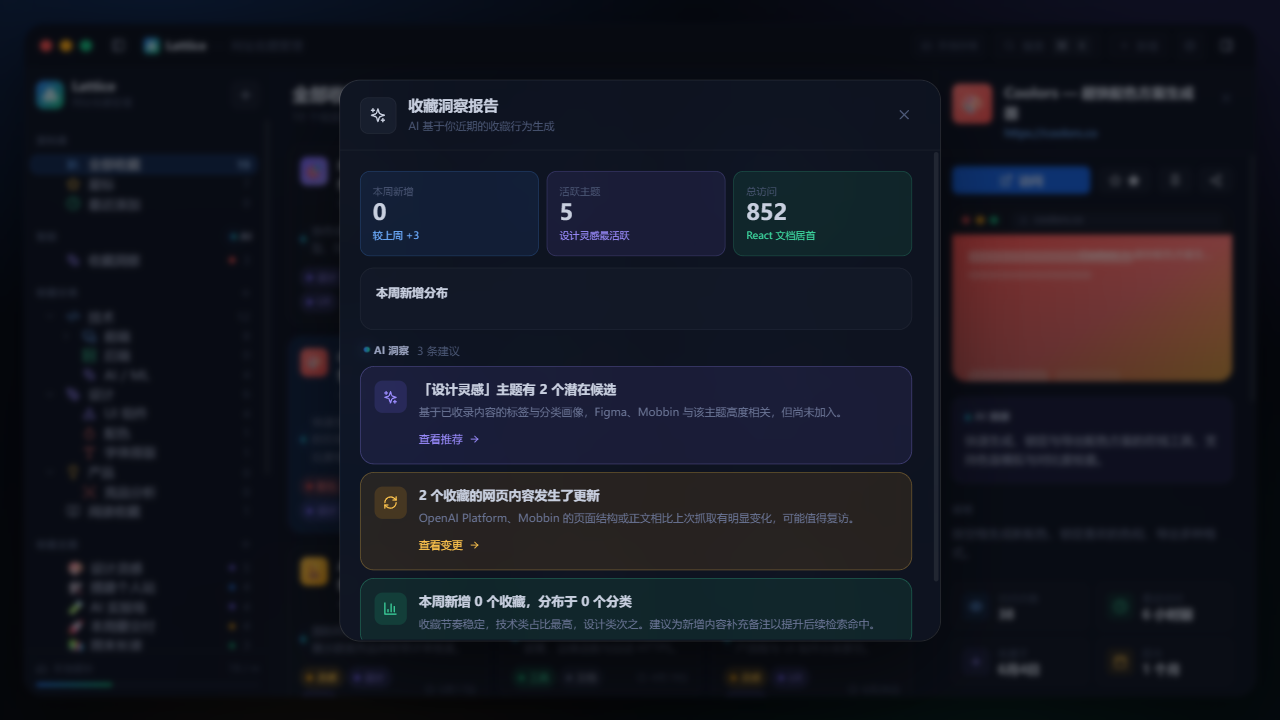
- 知识关联图谱:整个库可视化成网络,看得出哪些主题之间有联系、哪些区域是空白
- 主题空间 + AI 策展:用一句话下达目标("收集现代前端工具"),AI 从你已有的收藏里组出合集,再推荐更多。建议在你确认前都可编辑
- 链接健康检查:后台扫描 404 和内容变更,死链不会烂在收藏里
- 近似重复合并:同一条文章从不同 URL 存了三次能自动发现
- Spotlight 闪念呼出:Cmd/Ctrl + K 随时搜索或粘贴入库
- 一键导入:Chrome 、Edge 、Firefox 、Safari 导出的 bookmarks.html ,以及第三方 CSV/JSON
- 界面缩放跟随系统:8 档界面大小,缩放与系统显示比例联动,缩放区间做了安全钳制
- 存储模式切换:本地与云端之间切换会先弹确认对话框,把两侧数据摘要摆清楚再动手
- 导入导出带回滚:导入出问题时自动从快照恢复,不会让你卡在半迁移状态
- 重新分析:对已存的收藏可以单独重跑一次 AI 分析
- 标签建议更省事:AI 每次最多给 3 个标签建议,从短列表里挑就行
- 同步失败更清楚:独立提示条直接告诉你发生了什么,云端会话过期时给一个返回登录的入口
- 批量导入不撞车:从浏览器批量导入时会正确处理保存冲突,不会自己跟自己冲突
- 快捷键自由组合:Ctrl 、Alt 、Shift 、Cmd 可以任意搭配改绑,按住不放会实时预览组合,被别的软件抢占了会提示; macOS / Linux / Windows 的修饰键映射也修了
- AI 建议标签可点击:新建收藏时点一下建议标签就能选中或直接创建
- 同步时不再闪:顶部那条进度条和闪烁动画去掉了
- 批量操作:进入多选模式后出现批量操作栏,全选按钮会选中当前视图里的全部书签,全部选中后自动变成取消全选;按住
Shift点选可以框选一段区间,按Cmd/Ctrl点选可以单条增删。选中的书签可以移动分类、删除、移出主题空间,或者直接生成一个新主题空间 - 写入错误码更稳定:本地库根路径不是目录时,写入返回稳定的错误码,而不是原始系统错误
- 依赖安全升级:
zod从 4.0.1 升到 4.6.7 ,修掉审计报告里的漏洞
本地优先,数据在自己机器上
默认存本机 SQLite ,完全离线可用,零遥测,无账号也能跑。跨设备同步可选,走 Supabase + PostgreSQL 行级安全,每行数据绑定你自己的 auth.uid(),连后台运维也查不到你存了什么。
AI 侧不绑定任何厂商
接任意 OpenAI 兼容接口( DeepSeek 、OpenAI 、Kimi ),或者本地 Ollama 模型,密钥存在系统钥匙串里。完全不想用 AI ?其他功能照常。
技术栈
Go + Wails + React + SQLite ,桌面应用。macOS / Windows / Linux 。
安装
brew install blue-idea/tap/linkit
其他平台去 Releases 页下 .dmg / .exe / .AppImage / .deb 。
永久完全免费,无付费墙,无广告,无订阅。
安装包和项目主页都在这里: https://github.com/blue-idea/linkit
(仓库里放的是 README 、截图、安装脚本和 Homebrew tap ;应用本身以预编译二进制发布,按 MIT 协议免费使用。)
欢迎试用,也欢迎提 issue 指出哪里不好用。

MiniToolDesk v1.0 发布:纯前端离线开发者工具箱,杜绝数据泄露与广告骚扰

Edge AI Daily 早报(11月1日)
(本文作者为 Edge AI Daily,钛媒体经授权发布)
硅谷前沿:
1.【市场表现】10月30日纳斯达克综合指数跌2.6%收于26008.86点,10月累计跌5.3%;同期标普500科技板块跌6.8%、费城半导体指数跌15.4%,均创2025年3月以来最差单月表现;10月30日科技板块领跌标普500,单日跌4.24%。
2.【财报与现金流背离】Meta三季度营收646亿美元、同比增26%超预期,但单季资本开支349.1亿美元近翻倍,经营现金流327.9亿美元难以覆盖,自由现金流首度转负至-21亿美元,财报后股价跌约7%;Alphabet维持2026年资本开支1950亿至2050亿美元指引,Amazon过去12个月自由现金流流出424亿美元、预计2026年资本开支约2200亿美元,两家同样遭抛售。
3.【投资逻辑切换】高盛策略师Amanda Lynam称,Meta、微软、亚马逊、Alphabet四家2026年合计资本开支将达7250亿美元,较2025年4100亿美元增77%;市场估值逻辑由“收入增长”转向“现金回报”,边际回报下降,CoreWeave月跌37%、Nebius跌35%等纯AI叙事股首当其冲,现金流强劲、AI投入可控的公司更抗跌。
1.标普评级动作:2026年10月30日,标普全球评级将Meta的“AA-”长期发行人评级展望由稳定下调至负面(评级本身维持),使其成为四大超大规模云厂商中首家因AI基础设施支出被“亮黄牌”的公司;理由包括Meta的AI变现能力弱于同行、杠杆率最快2027年升破1倍(去年约0.1倍,警戒线为1.0倍),标普预计其2026年资本支出约1400亿美元、2027年加速至2250亿美元以上;Meta发言人回应称“恭敬地不同意”标普对其AI变现能力的判断。
2.现金流逆转:2026年三季度(10月21日公布)Meta自由现金流为-21.2亿美元,为2012年以来首次转负;当季资本支出349.1亿美元(含融资租赁本金偿付),超过327.9亿美元经营现金流,公司将2026年资本支出指引下限由1300亿美元上调至1350亿美元(上限1450亿美元)。标普测算其自由现金流缺口2026年220亿美元、2027年扩大至710亿美元、2028年仍为390亿美元,即2028年前难以回正。
3.市场与行业定价:10月22日Meta五年期CDS利差扩大7.6个基点至114.79个基点的历史新高,同日股价跌7.0%至648.85美元;至10月30日收614.99美元,较52周高点779.82美元回落约23%(标普行动当日纳指100跌3.5%)。行业层面,2026年五大云厂商AI相关资本开支合计预计超4840亿美元、同比增逾30%,美银预计八家巨头合计自由现金流由2025年正的1800亿美元转为2026年-640亿、2027年-1440亿美元,融资结构转向发债、股权与合资。
1.OpenAI两周内两次下调本轮融资目标:由以1.4万亿美元估值募资300亿美元,降至以1.25万亿美元估值募资约200亿美元;今年3月其刚以8520亿美元估值完成1220亿美元融资。
2.营收口径引发预期差:OpenAI披露截至9月底年化营收约500亿美元,较此前流传的680亿至700亿美元低约180亿至200亿美元,落差主因统计口径差异(高值用总额法计入云渠道分成以对齐Anthropic口径);据《金融时报》,公司2026至2030年累计负自由现金流或达2780亿美元。
3.资本开支大幅收缩并传导市场:2030年前算力基建支出目标从1.4万亿美元砍至约6000亿美元(降幅约57%,年均约1000亿美元);营收不及预期消息公布后,纳斯达克综合指数当日跌逾1%,英伟达跌约3%、甲骨文跌逾5.5%,市场定价逻辑由“算力规模”转向“收入与资本开支之比”。
1.2026年10月31日,Anthropic向美国证券交易委员会提交IPO招股文件,披露近9000亿美元表外未来义务(服务器、数据中心、电力及GPU采购),远超其账面1175亿美元负债与1120亿美元现金,被分析师称为“隐性债务”。
2.承诺规模半年激增:截至2026年6月30日,固定或最低采购承诺约2656亿美元、已签未执行租约约3214亿美元,合计约5870亿美元,较2025年底约1050亿美元增约5.6倍;订单集中于Broadcom、Google、Amazon、Microsoft等七家供应商。
3.财务与影响:2026上半年营收162.86亿美元(同比约增1300%),二季度营业利润首次转正,但净亏损807亿美元、基础设施支出由23.34亿升至89.45亿美元,上半年融资1108亿美元;市场传IPO估值约1.5万亿美元(低于此前2万亿预期),AI支出担忧拖累亚马逊、Alphabet、微软股价。
1.英伟达正与英国AI云服务商Nscale谈判,拟为其西弗吉尼亚州Anthropic数据中心的债务融资提供数十亿美元信用担保(“剩余价值担保”,规模或超50亿美元):若Nscale拖欠建设款,英伟达将接管设施并寻找买家。这是其首次将信用支持从租赁、芯片采购延伸至电力与建筑建设环节。
2.Nscale已于2026年9月18日递交S-1,拟最高350亿美元估值登陆纽交所,较3月的146亿美元半年涨约2.4倍;但合同订单达1030亿美元,2026上半年实际营收仅1.406亿美元、净亏损10.2亿美元,约97.5%合同价值未转化,且2.5万颗在用GPU仅占46.1万颗总量的约5%,微软与Anthropic两家客户占合同总值约85%。
3.neocloud板块2026年10月集体下挫,CoreWeave、Nebius、IREN分别跌约38%、33%、39%,核心担忧是其靠债务支撑增长;英伟达已向该类客户提供约1700亿美元投资与信贷支持,而Anthropic自身IPO或被评“垃圾级”,信用链条层层依赖、风险最终向上游英伟达集中。
1.事件:OpenAI于2026年10月29日更新Model Spec,围绕忠于人类意图、减少伤害、诚实透明、促进人类自主、关怀他人五项价值观重构;核心变化是从管聊天机器人「嘴上说什么」转向管智能体「手伸多长」,明确其能花费多少、调用多少权限。
2.硬约束:新版将「在约定自主范围内行动」与「保持可纠正」两条抬至最高Root级——AI须无条件配合监控、评估、纠正乃至关停,不得瞒报、造假或阻挠监督;并设六层指令权限(Root>System>Developer>User>Guideline>默认无权限),高一级指令优先,以防网页内容经提示词注入越级夺权。
3.配套与保留:文件要求事先用结构化「工单」划清自主边界(可用工具、最晚交付时间、最高花费、工具限制等),禁止为「你好」而越界、转包或延迟执行;同时禁止模型追逐停留时长、点击率及OpenAI自身营收、广告与付费转化,并限制记忆使用与举报行为。但OpenAI承认,当前ChatGPT与API上的模型尚未完全达到该规范要求。
1.供给端:央视网援引韩国券商(2026年9月),三星与SK海力士存储芯片库存不足10天,供应链几无弹性;HBM单耗晶圆面积约为传统DRAM的三倍,占DRAM晶圆产能份额由约20%向30%攀升,系统性挤出手机、PC用常规DRAM。
2.业绩与价格:三星2026年第三季度营收195.3万亿韩元、营业利润107.4万亿韩元,成为全球首家单季营业利润破100万亿韩元的科技公司;DRAM均价环比涨20%,HBM4销售额环比大增并占HBM总营收60%;TrendForce于2026年9月29日将2027年HBM混合均价预期上调至同比涨121%。
3.格局与观点:阿尔特曼在2026年10月29日播客中称“看不见的手”正在失灵、采购正变成护城河;UBS预计2027年三星以41%份额超越SK海力士(39%)登顶HBM;三星预计存储紧缺延续至2028年。
1.背景与现象:2026年以来DRAM供应持续吃紧、价格飙升。TrendForce数据显示,HBM占DRAM晶圆产出比例已从2025年的19%升至2026年约23%(生产1个HBM比特所需晶圆产能约为DDR5的三倍),三星、SK海力士、美光加速将产能转向利润更高的HBM;三星和SK海力士已与OpenAI“星际之门”计划签署意向书,每月供应高达90万片DRAM晶圆(约合全球DRAM总产出的40%),涨价已传导至笔记本、手机等消费端。
2.争议与分析:OpenAI首席执行官奥特曼在2026年10月29日发布的Cheeky Pint播客中称,PC内存大部分时间闲置、仅约5%时间在用,主张供应紧张时应把内存集中到云端以最大化利用率,由此引发开源与本地推理阵营强烈反弹。但其“云端利用率更高”的前提受数据质疑:VentureBeat在2026年10月汇总调查显示,79%的公司GPU至少一半时间闲置;Cast AI对23000个Kubernetes集群统计显示平均GPU利用率仅约5%,说明数据中心并非天然高效。
3.趋势与结论:美光CEO梅赫罗特拉在公司2026财年第四季度财报电话会议上表示,预计2027、2028年内存与存储供需状况将比2026年更紧张,短缺或持续至少两年。文章认为,把内存集中到少数云厂商与AI公司将加剧算力资源中心化、压缩开源本地推理的生存空间;PC中看似仅5%时间使用的闲置内存,实为行业分散风险、保留多样性的韧性冗余。
1.需求端数据与野心:Meta 的 Muse 在美加激活用户超 1000 万,逾四分之一的人用它购物、比例高于其他任务,平均客单价超 200 美元;扎克伯格称其已找到“产品市场契合点”,未来交易抽成收入或超过整个广告业务,并已因需求超预期与 Stripe 合作提高信用额度。
2.企业端落差:DoorDash 称 Muse 等 agent 订单仅“数百”,希尔顿预订量“微不足道”,T-Mobile 称“无显著影响”,健身连锁 Life Time 表示“零取消”,eBay、Ally、Public Storage 等亦形容活动“非常非常小”——千万级用户与“数百单”“零取消”并存,华尔街的恐慌被认为提前。
3.隐性布局与格局演化:企业嘴上淡定、手上修路——Chipotle 正清理网站代码以方便 agent 下单导航,Costco、Extra Space Storage 为 AI 聊天机器人优化线上内容;亚马逊、保险平台 Insurify 从屏蔽 Muse 转为寻求合作,反映无人确定 agent 时代站队方式,真实信号藏在这些基础设施动作里。
1.Exin Therapeutics 创始人让 AI 智能体(Claude Sonnet 5)在癫痫小鼠身上完成脑内注射,首次实现智能体同时“选药”与“下针”:它从 19 种基因疗法中分析发作机制、选定靶点(并否决效果不可靠的备选靶点),自主设定坐标、体积与速度,再操控机械臂完成注射,被称为“in vivo lab in the loop”。
2.对齐悖论显现:推理更强的 Claude Opus 5.5 因无法保证全程、担心“中途停下更糟”而拒绝活体手术,最终由定位为日常任务的 Sonnet 5 执行;而三道护栏在手术中途反成障碍,智能体因检测到坐标超出设备运动范围而拒绝继续,将约 45 分钟手术拖至一个多小时,团队只得让另一 Opus 5 智能体改写代码绕过。
3.AI 正从屏幕迈向物理世界:Anthropic 于 2026 年 9 月确认在旧金山湾区运营实体湿实验室,并推出让智能体并行操作显微镜、移液设备、机械臂的 Model Hardware Standard;但因物理试错成本高(可能毁样本、伤动物),人类监督仍关键,智能体用于人脑手术“为时过早”。
1.2026年10月28日,AWS发布配置教程,将ChatGPT桌面端(Work与Codex)接入Amazon Bedrock的AWS GovCloud,推理流量被强制路由至us-gov-west-1的Bedrock Mantle端点,并以IAM身份与GovCloud网络策略统一治理;标志OpenAI前沿模型首次进入满足ITAR、F